FUMAK Inventory
Production inventory and point-of-sale system for a retail operation: a phone barcode scanner feeds a web app that manages products, stock, sales, and revenue analytics over the shop's local network.
[ 01 ] · Context
Problem
- A single-shop retail business kept inventory and revenue on paper and in memory: stock counts drifted, and nobody could say how much revenue a given period actually produced.
- The products already carry manufacturer barcodes, so generating new labels was never the answer: the shop just had no way to read those barcodes at the counter and tie a scan to a stock count or a sale.
- A general-purpose POS or accounting suite was the wrong size of solution: the shop needed a narrow inventory + point-of-sale companion where a phone scans while a desktop or tablet runs the shop, without adopting a full accounting system.
[ 02 ] · Response
Solution
The system is two-part, talking over the shop's local network. The Android app is a thin barcode-scanner remote: CameraX + Google ML Kit decode barcodes on-device, and the app POSTs each value to the desktop web app, which holds no database of its own.
The Next.js web app is the actual inventory, POS, and analytics application. It owns all data in a Neon PostgreSQL database (via Prisma), stores product photos in Cloudflare R2, and is where a staff member runs the shop from a browser while a phone on the counter feeds it scanned barcodes in real time.
The product catalog covers name, category, color, size/variant, buying and selling prices, stock, barcode, and photo. Every stock change (add, remove, adjust-to-counted-value, and automatic deductions from a sale) is written to a full inventory-transaction audit log with the resulting stock level snapshotted on each entry.
The POS checkout builds a multi-item cart (with per-line discounts), computes total / amount due / change live, then completes in one atomic database transaction: sale header + line items inserted, stock decremented, and a SALE inventory transaction logged per item. Dashboard KPIs and period-filtered revenue analytics (Today / Month / 3M / 6M / Year / custom) aggregate over the same ledger.
[ 03 ] · My work
My contribution
- I designed and built the system end-to-end as the sole developer: the Android scanner remote (CameraX + ML Kit on-device decoding, saved desktop connection profiles, LAN heartbeat) and the Next.js web app (Prisma schema, inventory audit log, atomic POS checkout, dashboard and revenue analytics).
- I owned the LAN integration contract between the two apps: the /api/scanner/events short-polling feed that turns a phone scan into a live product lookup at the counter, including the connected/disconnected heartbeat state shown in the POS.
- I defined the data model (products, inventory transactions, sales, sale items, settings) with money stored as integer poisha, and the checkout/analytics logic over it.
[ 04 ] · Structure
Architecture
┌──────────────────────────┐      LAN Wi-Fi (HTTP POST)      ┌─────────────────────────────────┐
│ Scanner Remote (Android) │  /api/scanner/events              │  Web App (Next.js 16)            │
│  CameraX + ML Kit        │ ────────────────────▶  { type:   │  In-memory scan queue            │
│  on-device barcode decode│     "scan", barcode, format }   │  /sales live scan feed → cart →  │
│  connection profiles     │    + periodic heartbeat          │  checkout                        │
│  (name, IP, port)        │                                   │  Prisma ORM                      │
└──────────────────────────┘                                   │       │                          │
                                                               │       ▼                          │
                                                               │  Neon PostgreSQL                 │
                                                               │  (products, inventory txns,      │
                                                               │   sales, sale items, settings)   │
                                                               │  Cloudflare R2 (product photos)  │
                                                               └─────────────────────────────────┘
[ 05 ] · Trade-offs
Key engineering decisions
- 01
Data lives in the web app, not the phone
The scanner is deliberately stateless: it only decodes a barcode and POSTs it to the desktop's LAN IP and port. All business logic, validation, and persistence live in the Next.js API routes, so the phone never touches the database or object storage directly.
- 02
Stock is an audit ledger, not a number
Every stock-affecting event (ADD, REMOVE, ADJUST, or the automatic SALE deduction) is an InventoryTransaction row with the resulting stock level snapshotted on each entry, so the current count is provable from history rather than a mutable field.
- 03
Atomic checkout
Completing a sale inserts the header and line items, decrements stock, and logs the SALE inventory transactions in a single database transaction. Prices are snapshotted at sale time, so historical gross-profit figures stay correct even after a product's prices later change.
- 04
Integer poisha, never floats
Monetary fields are stored as integer poisha (1/100 BDT) rather than floating point, so summing sales can never drift into rounding error.
- 05
Soft-delete products only
Products are archived, never hard-deleted, so historical sales stay intact and the ledger remains fully reconcilable.
[ 06 ] · Under the hood
Engineering highlights
// Android scanner → desktop web app, one fire-and-forget POST:
POST http://<desktop-ip>:<port>/api/scanner/events
  { type: "scan", barcode: "1234567890123", format: "EAN_13" }
  { type: "heartbeat" }   // keeps the POS "Connected" badge alive

// /sales page short-polls GET /api/scanner/events?since=<id>
// and resolves each arriving barcode against the product catalog.Checkout, in a single DB transaction:
insert Sale (header: total, paid, due, change, payment type)
insert SaleItem ×N (selling price / buying cost / discount snapshotted)
decrement Product.stock ×N
insert InventoryTransaction(SALE, signed delta, resulting stock) ×N
receipt.invoiceNumber = `INV-${year}-${saleId}`Phone Camera
│
▼
CameraX (image analysis stream)
│
▼
Google ML Kit Barcode Scanning (on-device decode)
│
▼
BarcodeSender ── POST /api/scanner/events ──▶ /sales live scan panel
│
▼
Product Lookup ── not found ──▶ Register New Product
│ found
▼
Add to Cart ──▶ qty / discount ──▶ Checkout ──▶ Dashboard + Analytics[ 07 ] · Outcomes
Results
[ 08 ] · Where it's going
Status & next steps
- Authentication and user roles (currently any device on the LAN can operate the app).
- An automated test suite; verification is currently manual and on-device.
- Supplier management and partial-payment / credit (debtor) tracking.
- Remote (non-LAN) scanner pairing and multi-shop / multi-location support.
[ 09 ] · Keep exploring
More projects
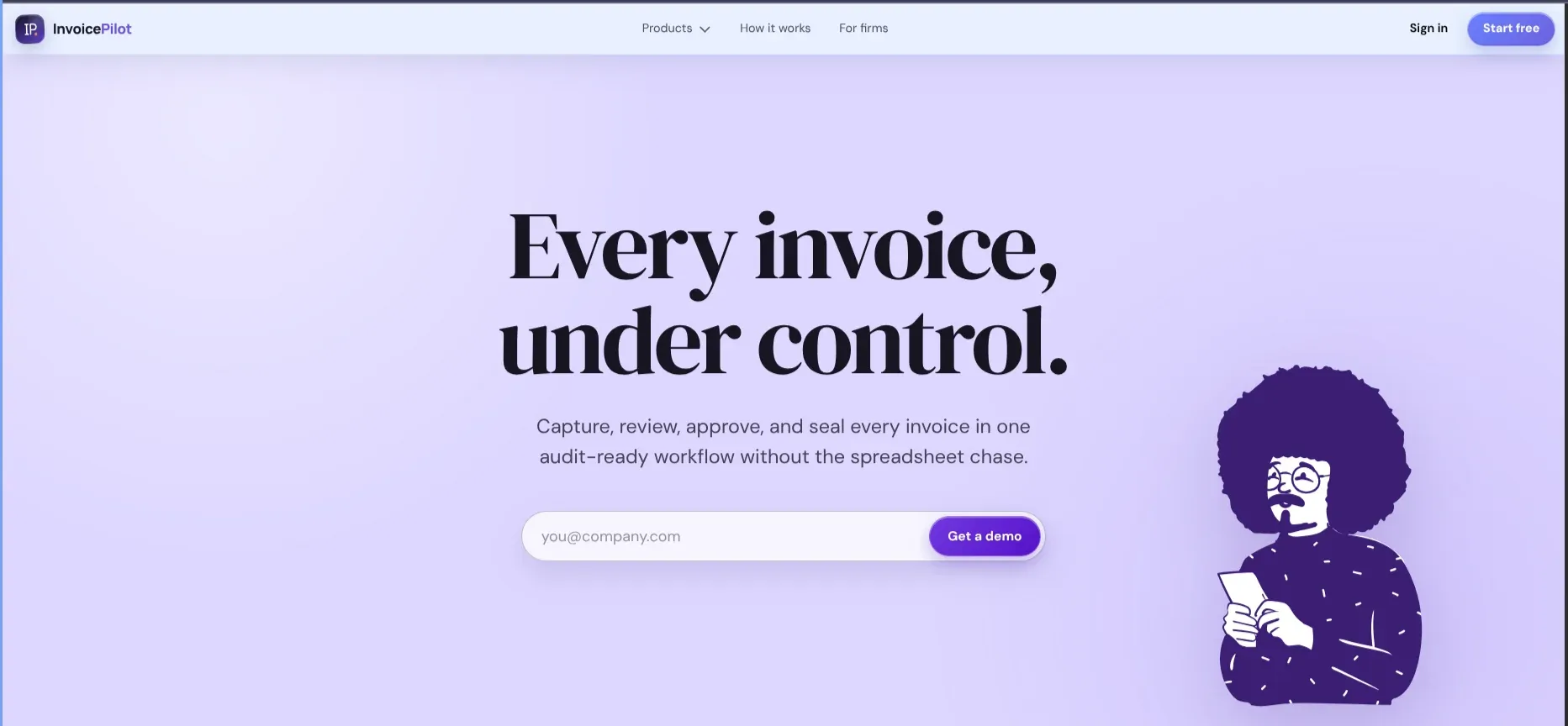
InvoicePilot
ACTIVEAI-powered invoice processing platform that extracts, validates, and analyzes invoices while detecting duplicates and anomalies to streamline financial document workflows.
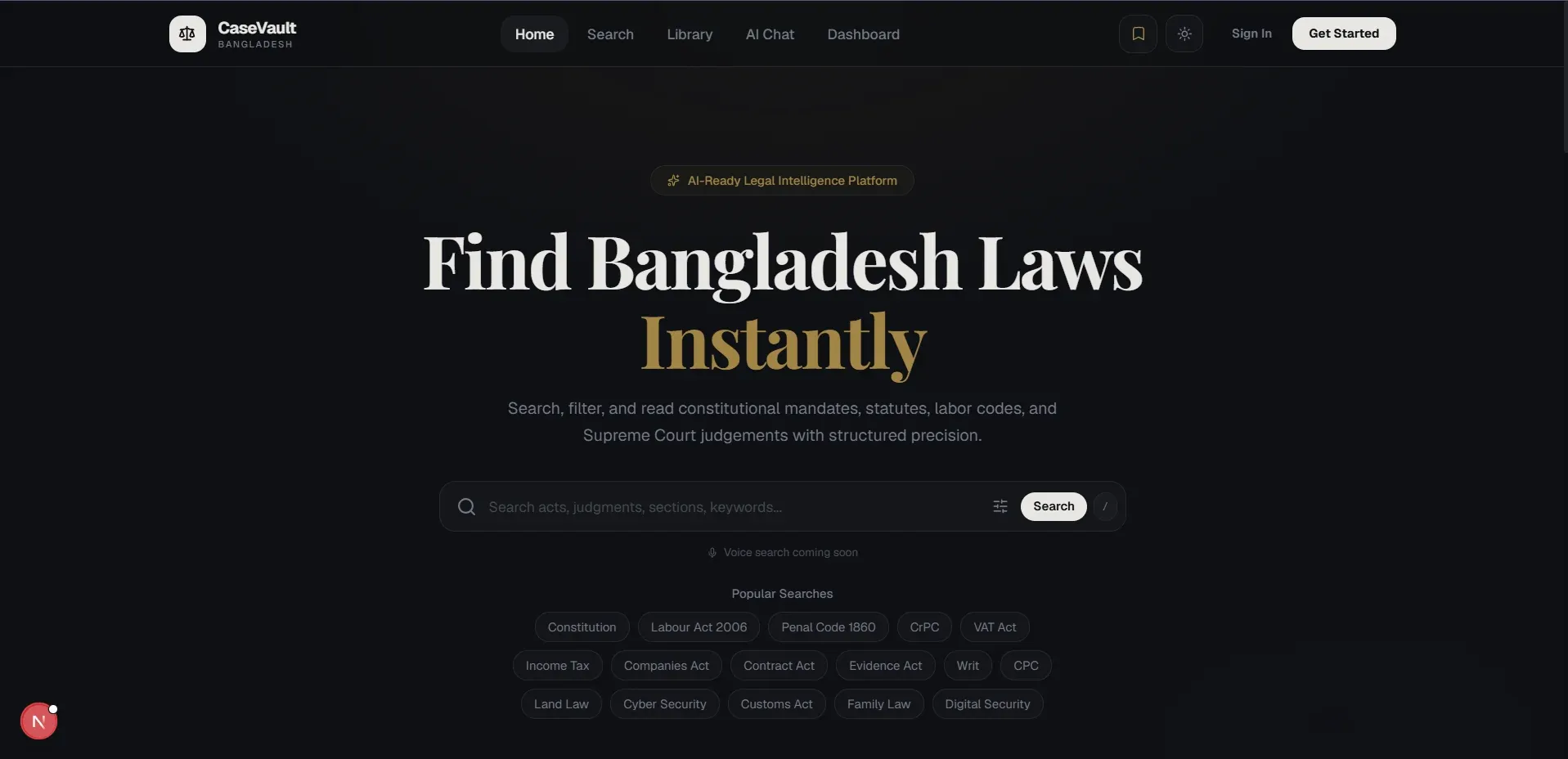
CaseVault
ACTIVEPrivacy-first legal research workspace that ingests case documents, ranks search results by relevance, with an AI summary and citation layer designed for Phase 2.